Showing posts with label Bash. Show all posts

Saturday, 18 June 2022

Hiding Information in Repos

When adding my codebase to Github, I want to avoid telling the world about my login credentials. To do this, I'll save the information in separate files that will be imported during runtime. I won't push those files to my Github repos and my credentials will remain secret.

I'll focus on Python and Bash in this blog post.

Bash scripts:

Create a file, for example "secrets.cfg" with the content:

password=testa123
In the bash script, source the file. Now, the parameters will be available as $password:
$ source settings.cfg

$ echo $password

testa123

Python scripts:

I'll use dotenv to set environment variables from a .env file that is ignored by Git.

I'll create a file ".env" with the content

DOMAIN=fatsug.example.org

The python script will use dotenv, so you need to install it using pip.

pip install python-dotenv

I'll make the python script look for a .env file in the users home folder. This is how the python script looks like:

import os
from os.path import expanduser
from dotenv import load_dotenv

load_dotenv(expanduser("~")+'\.env')
print(os.getenv('DOMAIN'))
For convenience, I can merge the secrets.cfg and .env files to one. Thus, I'll have all my user credentials at one location. 

Saturday, 11 July 2020

StockAnalyzer: Chasing errors

The work on Stock Analyzer will focus on two tracks in parallel:

  1. Fixing existing data to fit into the database (Scope of this blog post)
  2. Visual the data that is in the database
I see errors when the program is trying to parse values to the database. For example:


2017-06-05 - 2017-08-14: Unable to parse '2017-08-15'. 
2017-08-19 - 2017-11-01: Unable to parse '2017-11-07'
2017-11-06 and later: Unable to parse '2018-02-22'

The issue is that the program tries to parse a date into an integer since the date is on the wrong position in the file.

The first step is to check which stocks it could be that has the faulty data. I can easily do that using grep in my WSL2 environment on my Windows 10  computer.

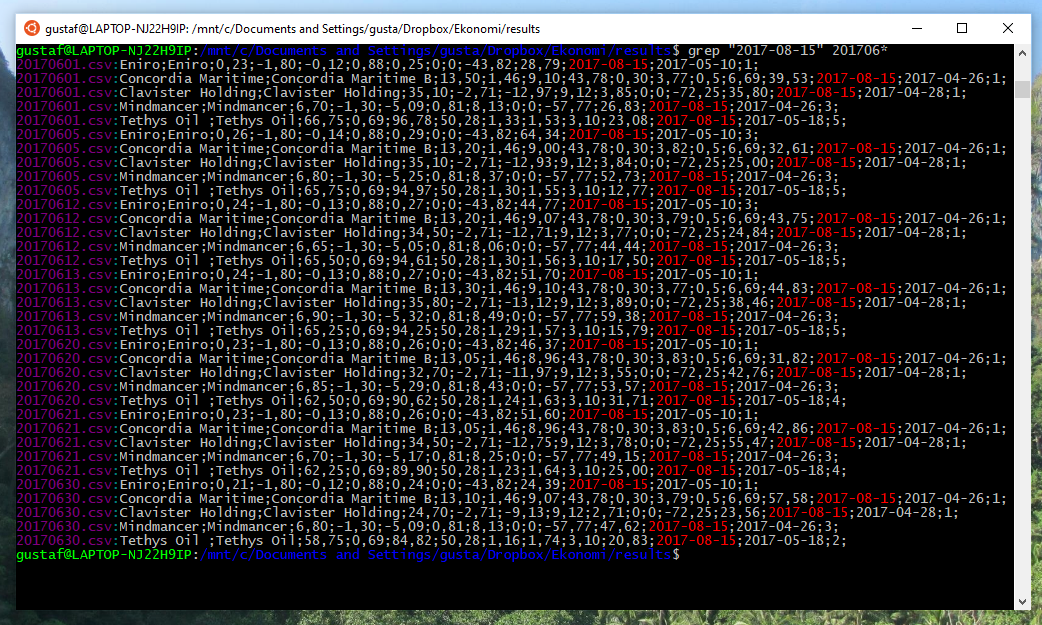
The faulty data for June contains the string "2017-08-15".
This string is found in the following stocks:
Eniro, Concordia Maritime, Clavister Holding, MindMancer and Tethys Oil 
When importing the different stock records to a spread sheet to see which of the stocks are faulty.

Tethys Oil seems to have some missing data.
I did some maths on the remaining data to check if it is possible to recover the missing bits, but it wasn't. I'll simply remove the records for Tethys Oil for the missing period of time. A new grep instance gives:

This means that the stock records for the company Tethys Oil are corrupted between May 9th, 2017 and November  9th, 2017. Now, I want to remove those lines for the files ranging from 20170509.csv up to 20171109.csv.

For a given file, it is easy to remove lines containing "Tethys Oil":
sed '/Tethys Oil/d' -i file.txt
To identify the files in the desired age span, I tried to find a way to do lexicographic comparisons of the file names in the bash shell. It turned out not to be trivial, so created a Python script instead. 

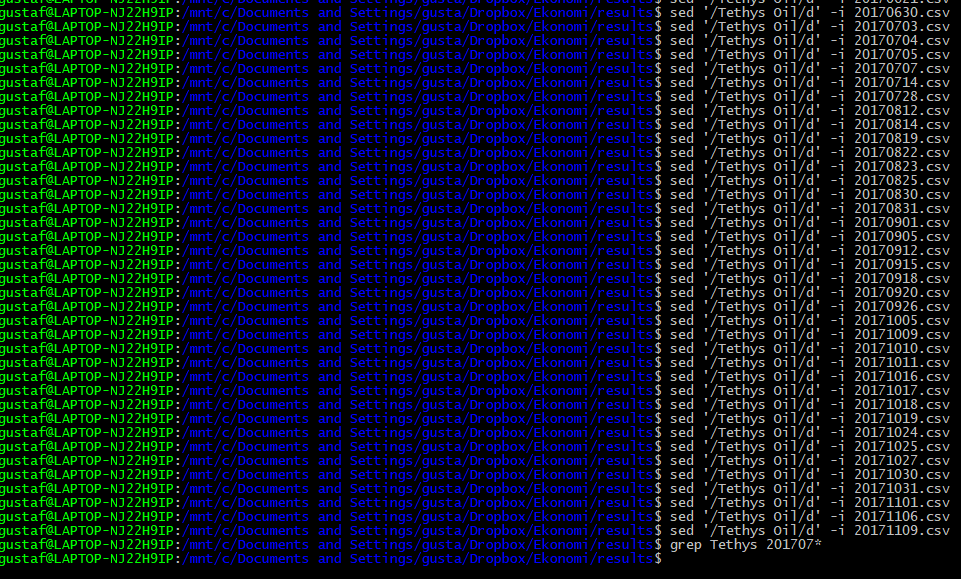
The output are commands that removes all lines containing Tethys oil from the files in the interval. After pasting them to bash, the erroneous lines has been removed from the files.